
Kawaii Kitchen Timer
Visual Timer for Kids, Homeschool Study Tool, Classroom Timer Visual Timer for Kids, Rechargeable, Classroom Timer V
Description
Special Features
Understanding the Needs: Visual Progress Timer for Kids
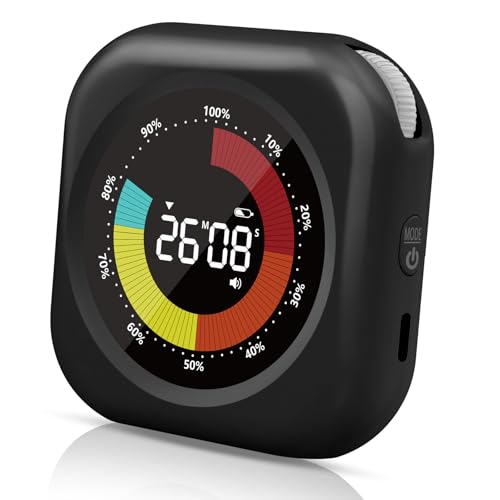
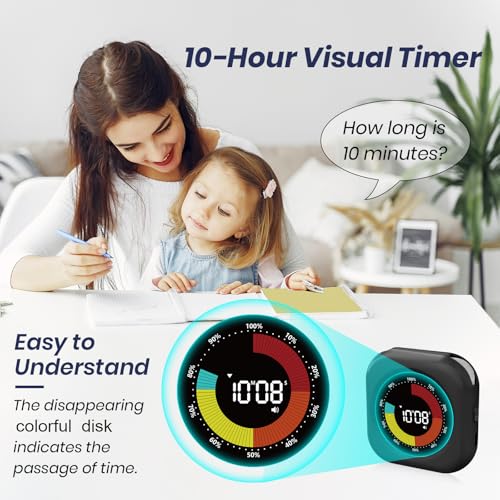
As time progresses, the white progress bar on our visual timer disappears counterclockwise. This visual representation helps children understand the concept of time better and improves their time management skills.
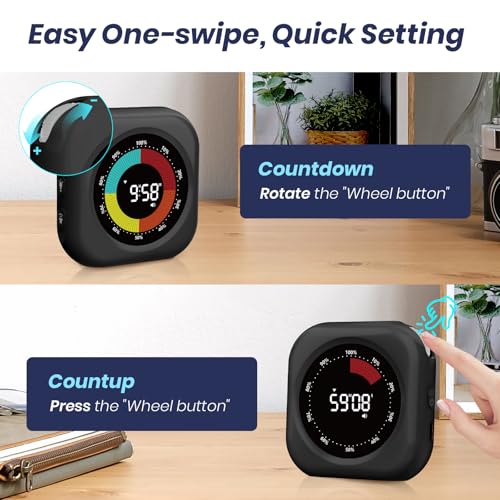
Easy to Use: - There are knobs on both sides of the timer to adjust the time. Turn them up to increase time and down to decrease it. Press the knob to start the countdown. - After resetting to zero, the timer shows the time exceeded with a visual countdown. - It features a positive timing function. Under 00:00 time, press the knob to start positive timing. - Tip: Hold the knob to clear the set time.
Two Time Modes: - This classroom timer offers two display modes: hours and minutes, or minutes and seconds. - Press the power button briefly to switch between the two modes, enhancing accuracy and comfort. - Tip: Long press the on button to turn on the timer; short press the on button to switch modes.
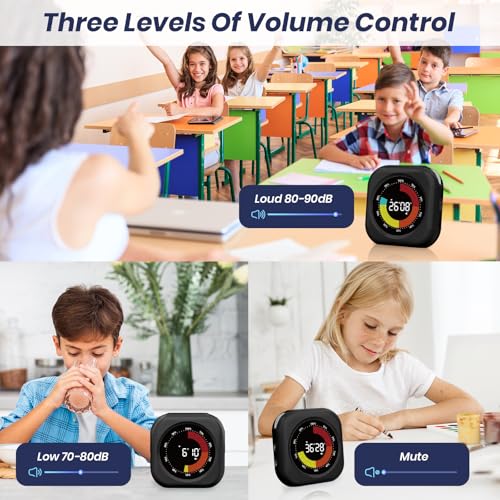
No Ticking and Mute Function: - The timer has three volume levels: mute, low (70-80 dB), and loud (80-90 dB). - It works silently, making it perfect for sound-sensitive environments. - Working without a ticking sound ensures distraction-free operations.
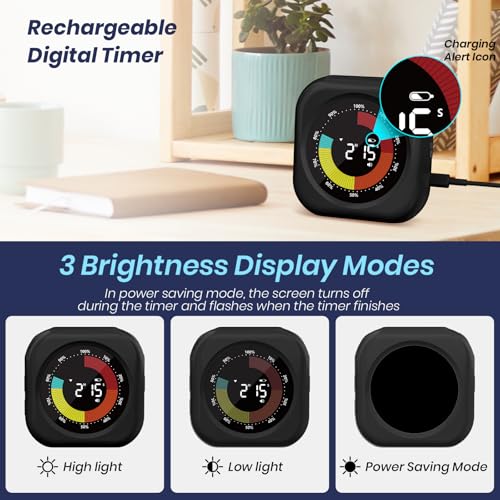
2 Brightness Levels and Power-Saving Mode: - The digital timer offers two brightness settings: high and low. - Choose the appropriate level based on surrounding light conditions to avoid discomfort or difficulty reading the screen. - Additionally, it features a power-saving mode where the screen turns off while the timer is running and flashes when the timer ends.
Rechargeable: - This kitchen timer has a built-in 800mAh Li-Ion battery that supports Type-C charging. - No extra batteries are needed. - A low battery indicator lights up when the battery is low.
Suitable for Many Occasions: - The timer features a large round magnet on the back, allowing it to be easily attached to chalkboards or refrigerator doors. - It also has a stand, making it easy to place anywhere you prefer.